Quest 2 After a Swim: Stuck Boot Dot, Buzzing Controllers, and What I Tried
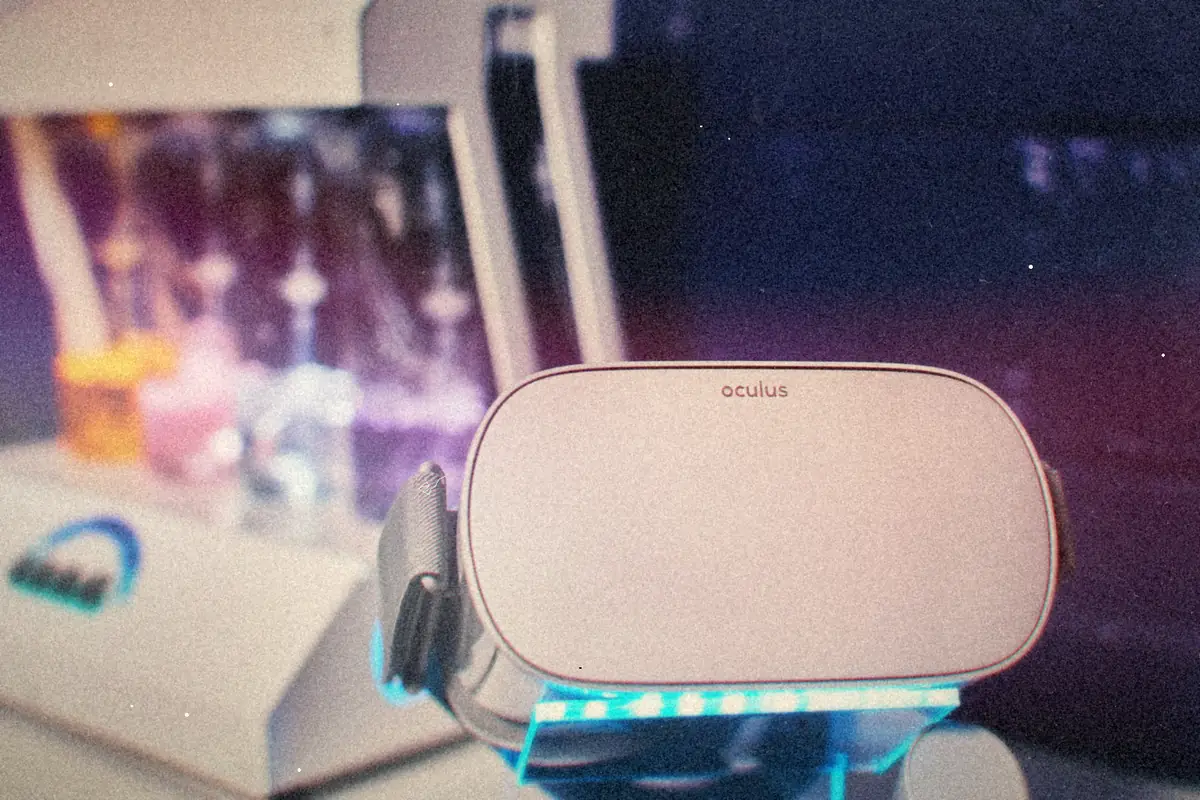
My notes from trying to bring a water-damaged Meta Quest 2 back to life, what each symptom probably points to, and where I'd go next.
Games and gear · Note 5 ↗EXPLORE THE NOTEBOOK
Notes from the command line, the workbench, and the vintage computer shelf.
My notes from trying to bring a water-damaged Meta Quest 2 back to life, what each symptom probably points to, and where I'd go next.
Games and gear · Note 5 ↗Roll out a named local admin account with a random password nobody knows, ready for Windows LAPS to take over, and optionally retire the built-in Administrator.
Local admin, done right · Note 2 ↗How I'd turn a bare Ubuntu Server install into a light XFCE desktop for someone learning computers, with the silly terminal programs that make the command line fun and a sensible order to learn it in.
Games and gear · Note 13 ↗Empty the Recycle Bin with no prompt, for one user or everyone on the machine, and optionally keep anything deleted recently.
Spring cleaning for Windows PCs · Note 4 ↗Export your KACE device inventory to CSV and get a per-location (or per-label) device count, optionally just the machines added this week.
Packaging with ConfigMgr · Note 6 ↗On Windows 10 and 11 there's no Windows Update logging to switch on. The trick is collecting it, and this script does that in one zip per machine.
Windows Update, untangled · Note 6 ↗A read-first WinRM check that tells you why remote PowerShell won't connect, fixes it only when you ask, and doubles as a ConfigMgr compliance script.
Windows Update, untangled · Note 5 ↗Clear the Windows DNS client cache locally or across a list of machines, and know when a flush will actually fix anything.
Spring cleaning for Windows PCs · Note 6 ↗My running list of AI tools for video, speech, images, writing and SEO, merged into one de-duplicated directory with a line on what each one does.
The reference shelf · Note 1 ↗The differences between the original Super Nintendo and the small SNS-101 redesign from 1997, from video outputs and picture quality to the expansion port, yellowing and which one I'd buy for what.
Console field guide · Note 4 ↗For the Entra-joined PC that never showed up in Intune. Check it's ready, kick off enrollment, and see why it failed if it does.
Getting devices into Intune · Note 3 ↗Load mobile numbers into Entra ID as an authentication method before users ever sign in, without stomping on numbers they've already registered.
The Microsoft Graph toolbox · Note 3 ↗