Resources & Recommendations
Sizing Up a $250 Used Gaming PC
Part 12 of the thread Games and gear
- Price the listing part by part. This one's parts came to roughly $250 to $370 used, so $250 was fair.
- An RX 570 with a quad-core Ryzen handles esports games well and older games at 1080p medium. New big releases will struggle.
- The first upgrade is 8GB more RAM. The graphics card is the real limit, and a bigger one may need a new power supply.
- Walk away from any seller who won't let you see it run.
A used gaming PC listing caught my eye: a complete tower for $250 or best offer, Windows 10 already on it. I wrote down how I sized it up, because the process works for any listing, not just this one.
The prices below are what I found at the time. Used PC parts drift constantly, so treat them as the method, not the answer.
What was in it
| Part | In the listing |
|---|---|
| Graphics | Radeon RX 570 |
| CPU | AMD Ryzen 3 2300X, four cores |
| RAM | 8GB DDR4 |
| Storage | A small SSD, listed as 225GB |
| Motherboard | Gigabyte, model not given |
| Case and cooling | A Cyberware case with three fans |
| Power supply | Included, brand not given |
| OS | Windows 10 |
That hits the minimums I'd want in any budget gaming PC: a real graphics card rather than integrated graphics, at least four CPU cores, 8GB of RAM (16GB preferred), and an SSD for the operating system.
Pricing it part by part
The trick with a used PC is to price it as if you were buying the parts separately, used.
| Part | Used value then |
|---|---|
| RX 570 | $80 to $120 |
| Ryzen 3 2300X | $40 to $60 |
| 8GB DDR4 | $25 to $35 |
| SSD | $25 to $30 |
| Motherboard | $30 to $50 |
| Case | $20 to $30 |
| Power supply | $20 to $30 |
| Fans | $10 to $15 |
| Total | $250 to $370 |
So $250 sits at the bottom of what the parts are worth, for a machine that's already assembled and running. That's fair to good. A counter of $225 is reasonable. Under $200 would be lowballing this particular box.
For comparison, a new budget prebuilt was about $500 at the time: a warranty, no wear, newer parts and a better upgrade path, for twice the money. Other used boxes in the same range were things like an i5-8400 with a GTX 1060, or a Ryzen 5 1600 with an RX 580.
What it can actually run
- Comfortably, 60 frames or better: esports games. Counter-Strike, Valorant, League of Legends, Rocket League, and Fortnite at medium.
- Fine at 1080p medium, 30 to 60 frames: most games from roughly 2018 to 2021, older big releases, indie games, modded Minecraft.
- Struggling: big releases from 2022 on. Expect low settings, and some won't be fun at all. The graphics card is what holds it back.
Away from games it's a perfectly good computer: web, office work, 4K video streaming, photo editing, light video editing, programming.
The upgrade path
- RAM first. Another 8GB to reach 16GB was about $35 to $50. It's the cheapest thing that makes the biggest difference, especially with a browser open behind a game.
- More storage. A 1TB SSD or hard drive for the game library, $30 to $60 then.
- The graphics card, later. At the time, an RX 6600 was around $200, an RTX 3060 around $250, and a used RX 5700 XT around $200.
Heads up
A bigger graphics card may need a bigger power supply. The listing didn't say what this one was, and an unknown, unbranded supply is the last thing I'd trust with a new card. Budget for a name-brand PSU with the right connectors when you get to step 3.
Before you hand over the money
Look at it:
- No physical damage to the case, all fans spinning, no grinding or clicking.
- Dust is fine. A reasonable amount of it means it was used, not that it was abused.
Watch it work:
- Boot into Windows and run a game or a benchmark while you're there.
- Check the graphics card's temperatures under load.
- Try every USB port.
Check the details:
- Confirm the parts match the listing. Task Manager and a free tool like CPU-Z will tell you.
- Check that Windows is activated.
- Check the drive's health, and that the RAM reads as the full amount.
Ask the seller:
- How long have you had it?
- Any problems or repairs?
- Why are you selling?
- Can I see it running before I buy?
- Original parts, or upgraded?
- Smoke-free and pet-free home?
Warning
If you can't see it power on and run something, walk away. Same if it's priced way under what the parts are worth, if the seller knows nothing at all about it, or if parts are missing. Those are the listings that turn out to be dead, stolen or both.
Who it's for
A box like this is a good first gaming PC, a good esports machine, a solid student computer, and a reasonable starter for a kid. It's also a nice base to upgrade a piece at a time. It's the wrong buy for high settings on new games, 4K, VR, or serious video work. Figure two or three years of current games at 1080p medium, longer for esports titles, and five or more as a general computer.
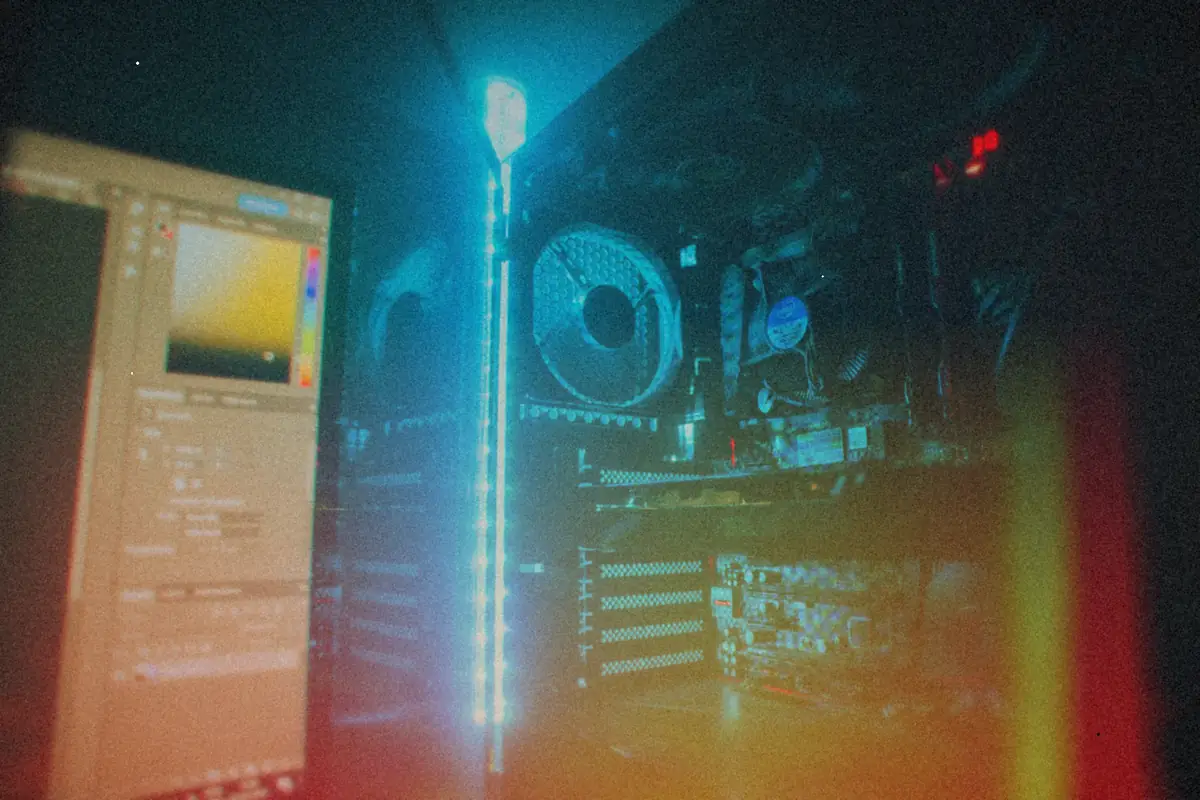
My own desk is proof that a sensible mid-range machine goes a long way, as what's inside my desktop PC shows, a little sheepishly. And if what you actually want is older games, an old office PC can get you there for even less: that's the whole idea behind the Optiplex GX280 XP build.