Uses / My Setup
Modding Shadow of Mordor in 2026
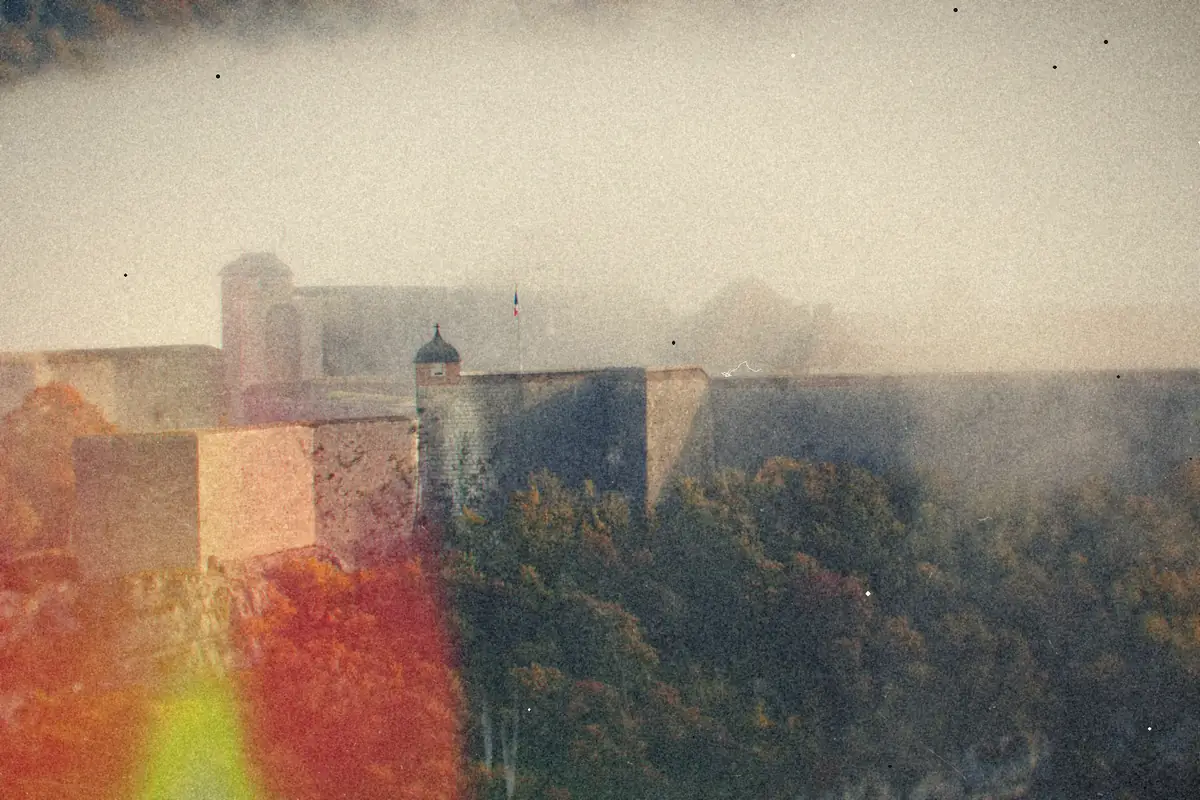
Part 2 of the thread Games and gear
- Six mods from Nexus, a much smaller list than my Cyberpunk setup, and no framework stack.
- A
bink2w64.dllproxy loader gives the game plugin support it never shipped with. - ReShade handles the visuals, and its ShaderToggler add-on is how MESOM hides the HUD.
- Back up any stock files before you replace them. Verifying through Steam undoes every mod.
Middle-earth: Shadow of Mordor came out in 2014. Its Nemesis system, where the orcs remember you, still isn't something you see in many other games. This month I went back to it on Steam and gave it a modding pass with a handful of mods from Nexus.
It's a much smaller list than my Cyberpunk 2077 loadout, and the plumbing is completely different. No big framework stack here. Just a DLL trick, some file swaps, and ReShade doing the heavy lifting on visuals.
Note
All of this runs on a very average desktop: Ryzen 5 3600XT, RTX 3060, 16GB of RAM, at 1440p. If it works on that, it should work on yours. The humble parts list.
The list
| Install order | Mod | What it does |
|---|---|---|
| 1 | SoM DLL Loader | A plugin loader for DLL-based mods. More on how it works below. |
| 2 | Permanent Bodies | The orcs you put down stay down instead of despawning. A battlefield should look like one. |
| 3 | MESOM No-HUD / No-Effects | Hides the HUD and some screen effects. Comes bundled with ReShade 6.7.3 and the ShaderToggler add-on. |
| 4 | Mordor Reborn V3 | A ReShade preset for the overall look. |
| 5 | PS5 Buttons | Swaps the on-screen prompts for PlayStation 5 glyphs. It's a replacement .arch05 file, the game's own archive format. |
| 5 | No Intro Vids | Because nobody needs the logos again. |
What a bink2w64.dll proxy loader actually is
This is the clever bit, and it's a pattern you'll see in a lot of older PC games.
Plenty of games use RAD Game Tools' Bink codec for their video files, and on 64-bit Windows that code lives in a file called bink2w64.dll sitting next to the game's executable. When the game starts, Windows looks for that DLL in the game's folder first and loads it.
A proxy loader takes advantage of that. You rename the real Bink DLL, and drop in a replacement with the original name. The game loads the fake one, none the wiser. The fake passes every video call through to the real Bink DLL so cutscenes still work, but on the way in it also loads whatever plugin DLLs you've added. Instant plugin support for a game that never shipped with any.
It's the same trick behind a lot of mod loaders that pose as dinput8.dll, version.dll or winmm.dll. A couple of practical notes:
- Follow the mod's install steps exactly, including what the original DLL gets renamed to. If that name is wrong, the proxy can't find the real codec, and you'll get crashes or missing videos.
Warning
Expect your antivirus to raise an eyebrow. A DLL that loads other DLLs looks suspicious by design. Only grab loaders from the actual mod page, and don't go disabling protection wholesale to make one work.
ReShade and ShaderToggler, or: hiding the HUD without touching the game
ReShade is a post-processing injector. It sits between the game and your graphics card and applies its own shaders on top of each frame: color grading, sharpening, ambient occlusion, depth of field, the works. A "preset" like Mordor Reborn is just a saved combination of those effects and their settings.
ShaderToggler is a ReShade add-on, and it's what makes the no-HUD trick possible. Every game draws its HUD using specific shaders. ShaderToggler lets you identify those shaders and switch them off (or control when ReShade effects apply relative to them).
The HUD never gets drawn, and the game doesn't know anything changed. MESOM does the hard part of finding the right shaders for Shadow of Mordor and packages the result.
A couple of things worth knowing:
- Add-ons need the add-on-capable build of ReShade. The standard download doesn't load them. That's one reason MESOM bundles its own ReShade 6.7.3 rather than telling you to go get it.
- Don't stack two ReShade installs. If you already had ReShade in the game folder, you'll want the bundled version to replace it, not sit alongside it.
- Keep your HUD toggle handy. Going HUD-less looks great in screenshots. It's less great when you want to know how much health you have. Check what key the mod uses to bring it back.
Install order
It's a short list, so order barely matters, but the logical sequence is: the DLL loader, then Permanent Bodies, then MESOM with its bundled ReShade, then the Mordor Reborn preset on top of that ReShade install, then the file swaps (PS5 Buttons, No Intro Vids).
Tip
Before you replace any of the game's original files, copy them somewhere safe. Steam's "Verify integrity of game files" can put things back, but it'll also cheerfully undo every mod that replaced a stock file. A backup of the handful of files you swapped is faster and more precise.
That's the whole setup. A small list for an older game, and on the visual side it all comes down to one injector and one preset.
- My Cyberpunk 2077 Mod LoadoutUses / My Setup
- What's Inside My Very Average DesktopUses / My Setup