Side Projects
WeatherStar 4000: The '90s Weather Channel on a Raspberry Pi
Part 2 of the thread The retro workbench
- What it is
- Open-source app
- My role
- Creator
- Built with
- Python
- pygame
- Raspberry Pi
- I rebuilt The Weather Channel's WeatherStar 4000 in Python and pygame. It's free and MIT-licensed.
- It pulls live weather and cycles through 26-plus screens, with the original fonts, the blue gradients and smooth jazz.
- It renders at a native 640x480 in 4:3 over a Pi's composite output, so it looks right on a real tube TV.
- It's channel 01 on my FieldStation42 cable box, right after the guide.
If you grew up with cable in the '90s, you know the screen. Blue gradient, blocky yellow and white type, the local forecast rolling past while smooth jazz played over it. That was the WeatherStar 4000, the box that generated The Weather Channel's local forecasts, and for a lot of us it was the most soothing thing on television.
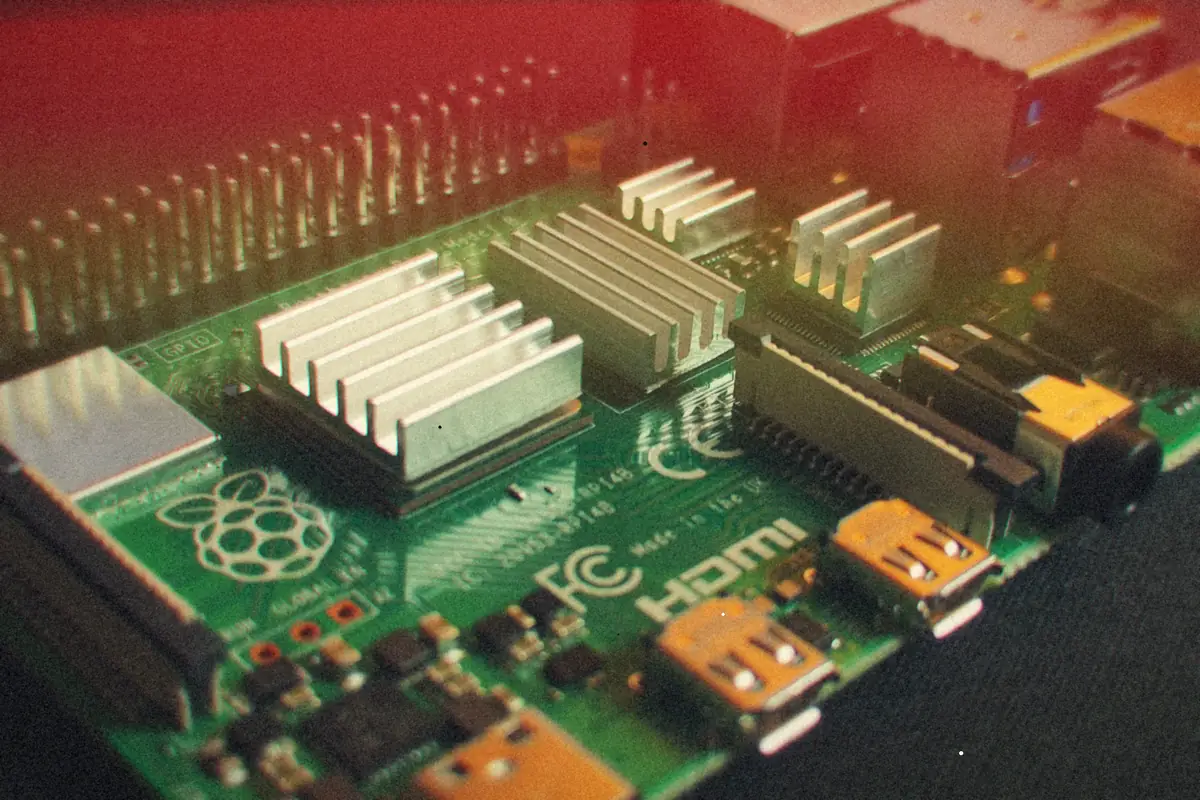
So I built one. weatherstar-4000 is a pixel-perfect recreation written in Python with pygame, made to run on a Raspberry PiA small, cheap single-board computer that runs Linux. Hobbyists put them inside just about everything.More: Building a FieldStation42 Cable Box and look right on a real CRTCathode-ray tube. The deep, heavy glass TV everybody had before flat screens.More: CRT 90s TV: Channel Surfing Like It's 1996, on a Raspberry Pi. It's open source under the MIT license.
What it does
It pulls live weather for your location and cycles through the classic screens, one after another, the way the real thing did. There are 26-plus display modes. The familiar ones are all there:
- Current conditions, the local forecast, and the extended 7-day forecast
- Hourly forecast, regional observations, and travel cities
- Local radar, animated
- The weather almanac, sun and moon data, and hazards and warnings
And then some that the original never had, because once you've got the framework, it's hard to stop:
- 30-day temperature and precipitation history
- A UV index forecast
- Air quality and pollen
- A 7-day temperature graph
- Wind and pressure
- Weekend forecast
- Recent earthquakes
- And even stock market indices
The look is the point, so it uses the original Star4000 bitmap fonts and the blue gradient backgrounds, with smooth transitions between screens.
There's a library of smooth jazz tracks for the background (obviously), optional voice narration that ducks the music when it talks, and a handful of color themes if you want something besides classic blue: Dark, High Contrast, Retro Green and Amber.
Where the data comes from
It picks a weather source based on your region, and you can flip between them in the settings:
| Data | Source |
|---|---|
| Weather (US) | NOAA/National Weather Service API |
| Weather (everywhere else) | Open-Meteo |
| Radar | Iowa State's Mesonet |
| Earthquakes | USGS feed |
| Location lookup | ipapi.co, if you don't want to type in coordinates |
Note
When it first starts, it asks for your latitude and longitude. Press Enter and it'll guess from your IP address, or type them in if you want it exact.
Built for a tube TV
It runs on Windows, Linux or macOS with Python 3.7 or newer, but the Raspberry Pi and a CRT are what it's really for. It renders at a native 640x480 in 4:3, which is exactly what a tube TV wants, and it works over the Pi's composite output. It's tuned for a Pi 3B+, Pi 4 or Pi Zero 2 W.
That's also why it's in my FieldStation42 cable box build. FieldStation42 turns a Pi into a fake cable system, and WeatherStar is the weather channel, parked on channel 01, right after the guide. Flip past it and there's the local forecast, just like it used to be.
Getting it running
Clone it, install the two dependencies, and run it:
git clone https://github.com/wesellis/weatherstar-4000.git
cd weatherstar-4000
pip install pygame requests
Then start it with the script for your platform:
# Linux / macOS / Raspberry Pi
chmod +x run_weatherstar.sh
./run_weatherstar.sh

# Or call Python directly
python run_weatherstar.py
Note
On Windows there's a
run_weatherstar.battoo.
Driving it
Left to itself it just cycles, which is really the whole idea. You can put it on a TV and leave it. If you want to poke at it:
| Key | What it does |
|---|---|
| Space | Pause or resume the auto-cycle |
| Left / Right | Step through screens by hand |
| M or right-click | Open the settings menu |
| Escape | Quit |
The settings menu is where you:
- Turn on the marine forecast, weather trends and historical comparisons
- Set the music volume
- Switch narration on (it's off by default)
- Toggle news headlines
- Pick the weather API
- Cycle color themes
- Force a data refresh
Why bother?
Partly because it's fun. Mostly because some things were better when they moved slower. There's something about a forecast that shows up on its own schedule, with jazz, on a blue screen, that a weather app on your phone never quite manages.
The code, docs and issues are all on GitHub. If you've got an old TV and a Pi sitting around, give it a try.